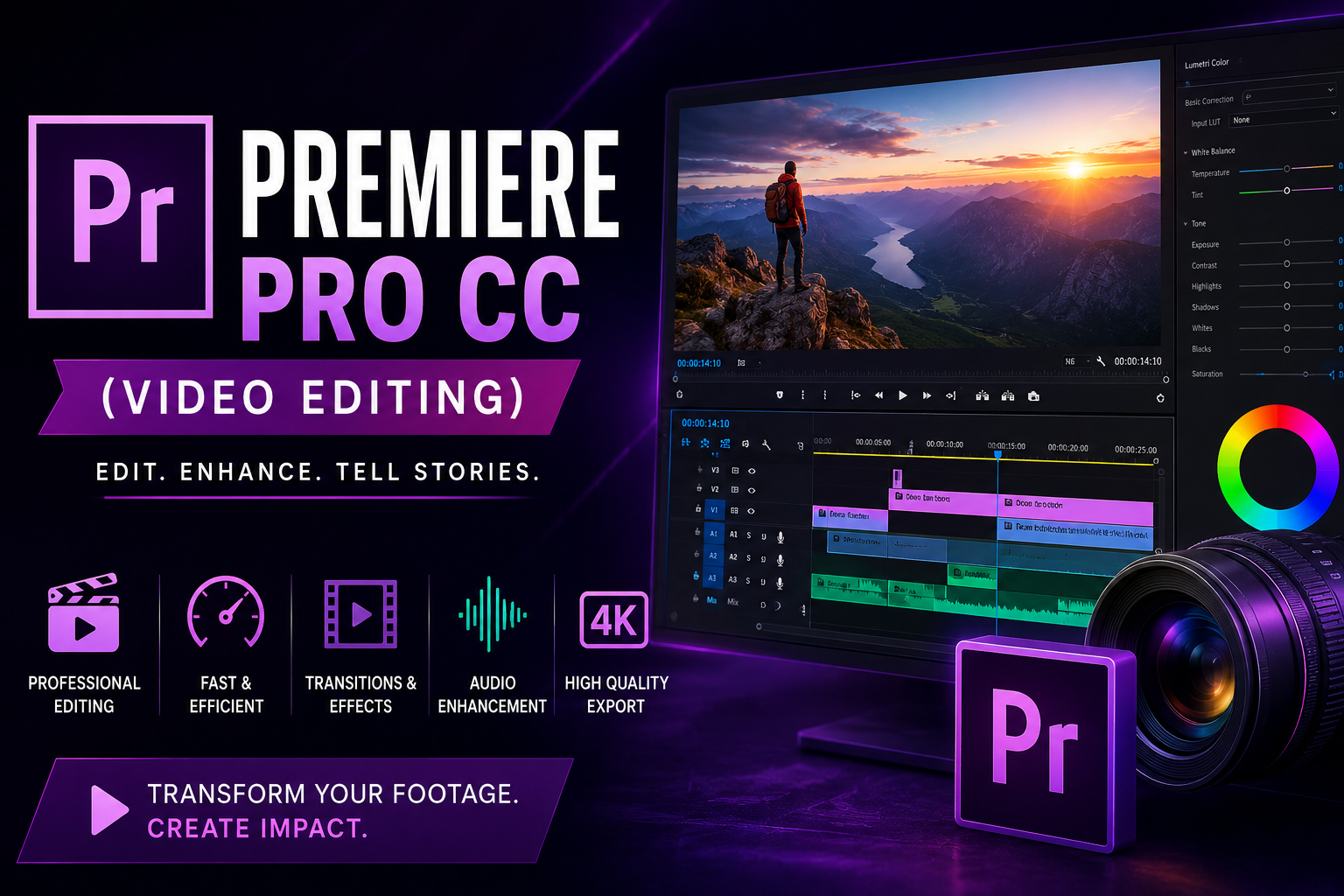
Create Professional Videos with Adobe Premiere Pro Learn how to edit compelling videos, tell engaging…
Uncover key topics, target goals, and academic guidelines.
Learn how to edit compelling videos, tell engaging stories, and produce high-quality content using Adobe Premiere Pro. This practical, project-based program equips you with the skills to create professional videos for social media, marketing, business, and digital media.
Whether you’re an aspiring video editor, content creator, marketer, or entrepreneur, this course provides the creative and technical foundation to produce videos that captivate audiences.
Adobe Premiere Pro is one of the world’s leading professional video editing applications, trusted by filmmakers, broadcasters, content creators, and media professionals. In this hands-on program, you’ll learn the complete video editing workflow—from organizing footage and editing timelines to color correction, audio enhancement, visual effects, and final export.
Through practical projects and real-world editing scenarios, you’ll create promotional videos, social media content, interviews, event highlights, and short-form productions while applying professional storytelling and editing techniques. You’ll also learn efficient media management workflows and how Premiere Pro integrates with other Adobe Creative Cloud applications.
By the end of the program, you’ll have the confidence to edit professional-quality videos, build a portfolio of completed projects, and produce engaging content for a wide range of digital platforms.
| Schedule | 4–6 Weeks |
| Learning Format | Instructor-Led • Hands-On • Project-Based |
| Skill Level | Beginner to Intermediate |
| Certification Pathway | Adobe |
By the end of the program, you’ll be able to:
This program is ideal for:
No prior video editing experience is required.
Upon completion, graduates can pursue roles such as:
This program also provides a strong foundation for advanced careers in Film Production, Motion Graphics, Digital Marketing, Broadcast Media, and Creative Media Production.
Develop the skills to create professional videos, build an impressive editing portfolio, and produce content that informs, inspires, and engages audiences.
Enroll today and start your journey into professional video editing with Adobe Premiere Pro.
Sessions for this course are not available yet. Review the course details and syllabus below, and check back soon for upcoming enrollment dates.
A comprehensive path structured in interactive instructional modules.
Gain detailed practical instruction, key methodologies, and structured workflows in this course chapter.
Gain detailed practical instruction, key methodologies, and structured workflows in this course chapter.
Gain detailed practical instruction, key methodologies, and structured workflows in this course chapter.
Gain detailed practical instruction, key methodologies, and structured workflows in this course chapter.
Gain detailed practical instruction, key methodologies, and structured workflows in this course chapter.
Gain detailed practical instruction, key methodologies, and structured workflows in this course chapter.
Gain detailed practical instruction, key methodologies, and structured workflows in this course chapter.
Gain detailed practical instruction, key methodologies, and structured workflows in this course chapter.
Gain knowledge and feedback from veteran leaders in the technology field.

Certified professional instructor specializing in modern technical training, e-learning design, and customized student support pipelines.
Everything you need to know about the course timeline, support, and access.
Yes! Upon successful completion of all syllabus modules, exercises, and practice projects, you will receive a verified Digital Professional Certificate of Completion suitable for sharing on resumes.
You get complete, unlimited lifetime digital access to all syllabus lessons, code assets, reading documents, and community channels. This includes any updates or improvements made to the course in future cohorts.
Every enrolled student receives access to our active community Discord server. We hold bi-weekly open office hours where instructors answer questions, resolve codebase bottlenecks, and provide critical career feedback.
Enroll today and gain immediate, unlimited lifetime access to all learning materials, codebases, student cohorts, and verified certificates.
Please confirm you want to block this member.
You will no longer be able to:
Please note: This action will also remove this member from your connections and send a report to the site admin. Please allow a few minutes for this process to complete.